How to Automate Shopify Customer Support with AI
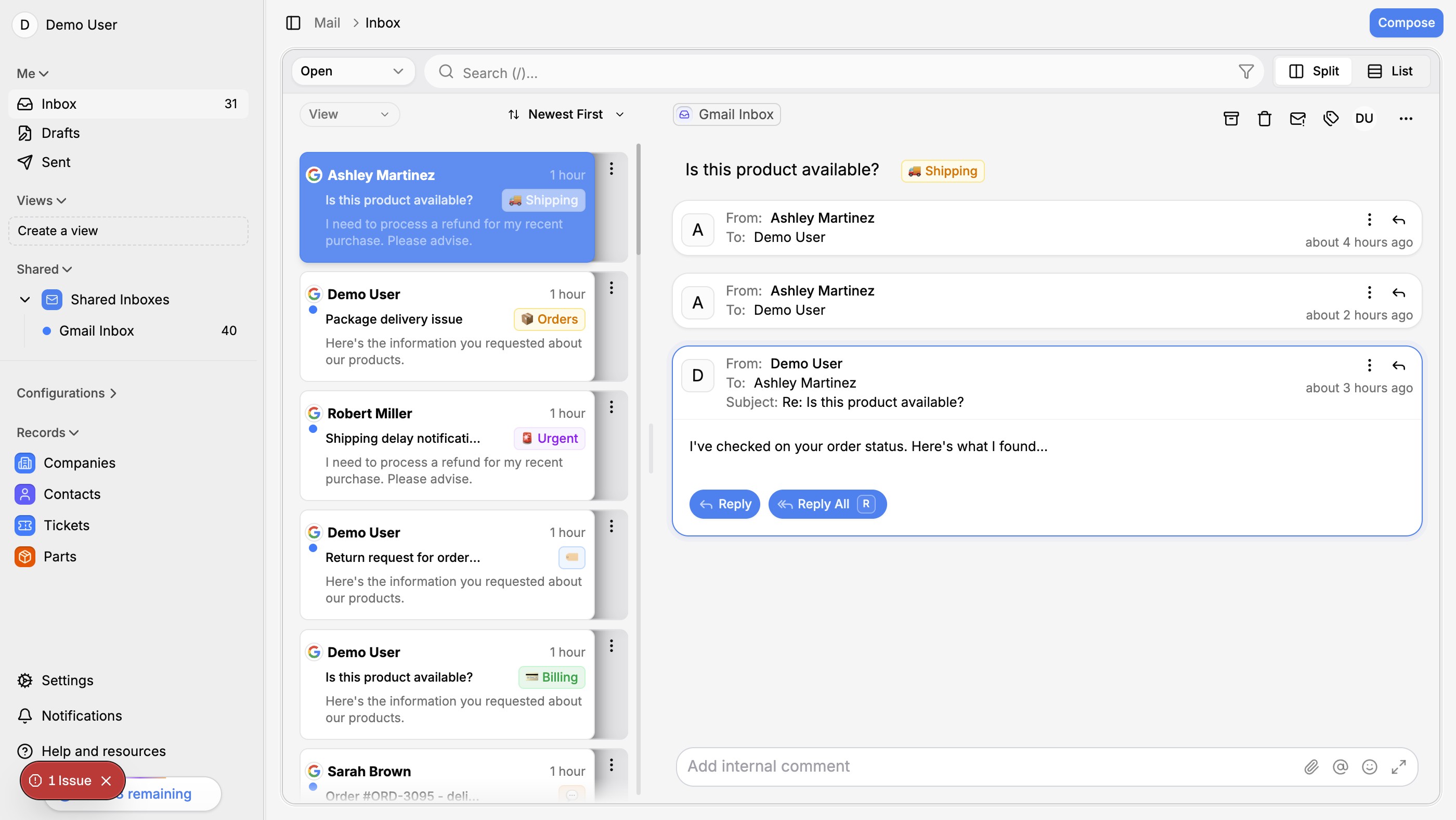

A practical guide to using AI for faster, more consistent customer support on Shopify — from auto-replies to full ticket resolution.
Why Shopify stores need smarter support
Running a Shopify store means dealing with the same types of customer questions over and over. Where's my order? Can I return this? Do you have this in stock? These questions are predictable — and that makes them perfect for automation.
Most store owners start with canned responses or basic chatbots. But these tools break down quickly. They can't pull order data, they can't understand context, and they definitely can't handle edge cases.
AI-powered support changes the equation entirely.
What AI support actually looks like
Modern AI support isn't just a chatbot with better responses. It's a system that:
- Reads and understands the customer's full message, including tone and intent
- Pulls real data from your Shopify store — order status, tracking info, product details
- Drafts accurate replies based on your brand voice and support policies
- Handles multi-step workflows like processing returns or applying discounts
- Escalates intelligently when a human touch is genuinely needed
The key difference is integration. An AI that can access your Shopify data can answer "where's my order?" with an actual tracking link — not a generic "please check your email."
Getting started in 3 steps
1. Connect your email and Shopify
The first step is connecting your support inbox (Gmail, Outlook, or any IMAP provider) with your Shopify store. This gives the AI access to both the conversation history and the customer's order data.
2. Set up your knowledge base
Your AI needs to know your policies. Upload your FAQ, return policy, shipping info, and any other reference material. The better your knowledge base, the more accurate the AI responses.
3. Start with AI-assisted, not AI-automated
Don't go fully automated on day one. Start with AI drafting replies for your team to review. This builds trust in the system and lets you catch any issues early. Once you're confident in the quality, you can gradually increase automation.
Measuring the impact
The metrics that matter:
- First response time — AI responds in seconds, not hours
- Resolution rate — what percentage of tickets are resolved without human intervention
- Customer satisfaction — CSAT scores should stay the same or improve
- Agent workload — your team should be handling fewer repetitive tickets
Most stores see a 60-70% reduction in manual ticket handling within the first month.
Common concerns
"Won't customers hate talking to a bot?"
Not if the AI is good. Customers care about getting accurate answers quickly. They don't care whether a human or AI typed the response — as long as it actually solves their problem.
"What about complex issues?"
AI should handle the predictable stuff and escalate the rest. A good system knows its limits and routes complex issues to your team with full context attached.
"Is it expensive?"
Compare the cost of AI support to hiring another support agent. For most Shopify stores, AI support pays for itself within the first month through reduced response times and higher resolution rates.
Start today
The best time to set up AI support is before your next busy season. Give yourself a few weeks to train the system and build confidence. Your future self (and your customers) will thank you.