Building a Custom Fields System (Part 1): Entity Definitions and the Schema
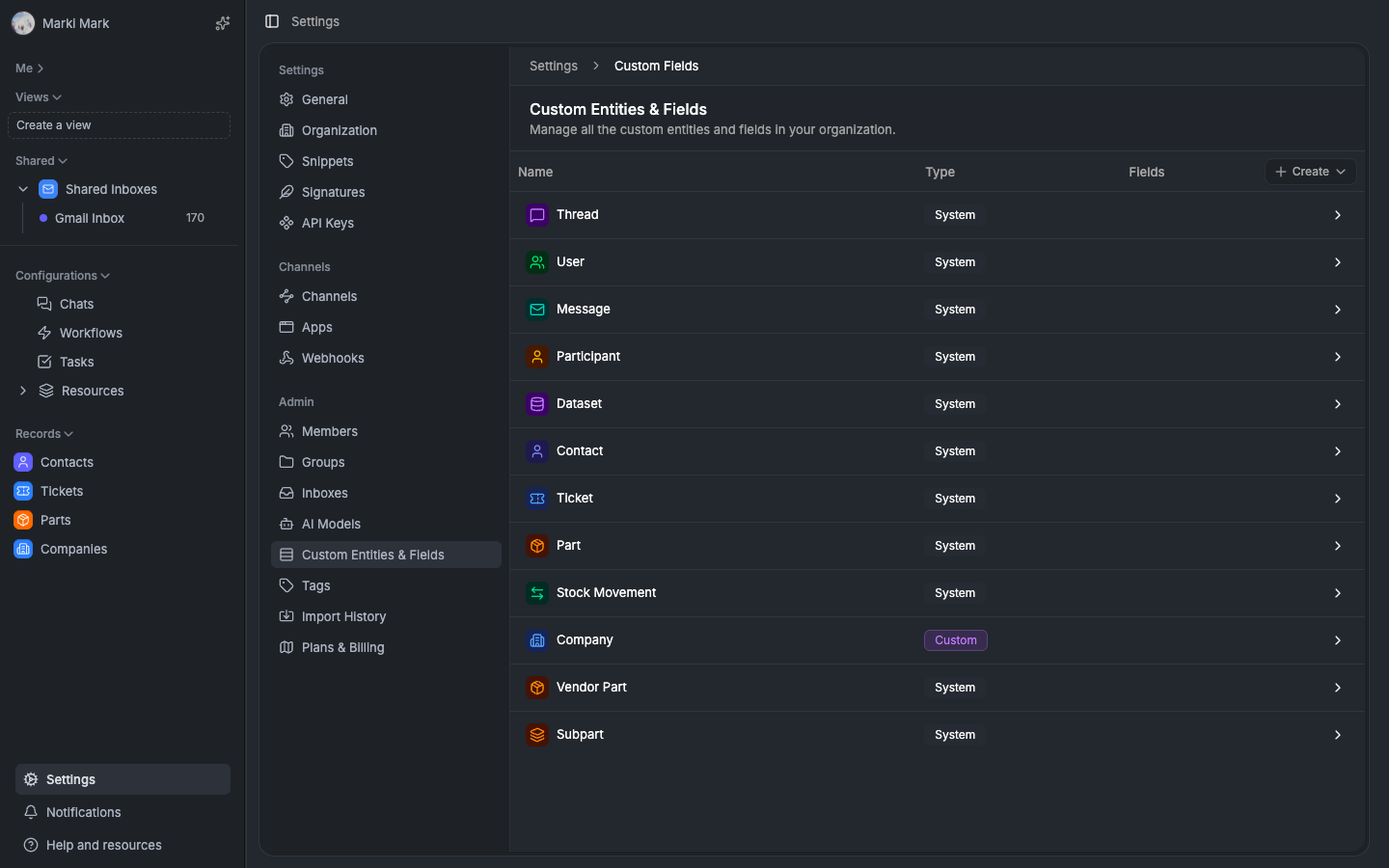

How we designed the four-table schema that lets any organization define their own data models — with typed columns, display field denormalization, fractional indexing, and a template engine that bootstraps entire CRM schemas in one click.
Happy holidays! Were closing out the year with a 3-part series on one of the most ambitious systems weve built — the custom fields engine that powers every entity in Auxx.ai. If youre building a SaaS and your users keep asking for data models you didnt anticipate, this series is for you.
This is part 1 of 3. This post covers the schema design, type system, and template engine. Part 2 covers how data flows through the backend — writing, querying, and keeping everything in sync. Part 3 covers the frontend sync engine — batched fetching, optimistic updates, and client-side computed fields.
Why build a custom entity system?
Auxx.ai started as an AI-powered support tool for Shopify stores. Contacts, tickets, conversations — the standard support stack.
Then customers started asking for more. "Can I track companies?" "Can I add a deal pipeline?" "Can I store product warranties?" Every business has its own data model. You cant hardcode every entity type. And adding a new database table for each customer request doesnt scale.
We had two options: keep hardcoding entity types forever, or build a system where organizations can define their own. We chose the second one.
This isnt an EAV tutorial. Its a walkthrough of the actual schema we built and the decisions behind it — with typed storage columns, display field denormalization, fractional indexing, and a template engine that can bootstrap an entire CRM schema in one click.
The four core tables
The entire system rests on four tables. Understanding their relationships is the key to understanding everything else.
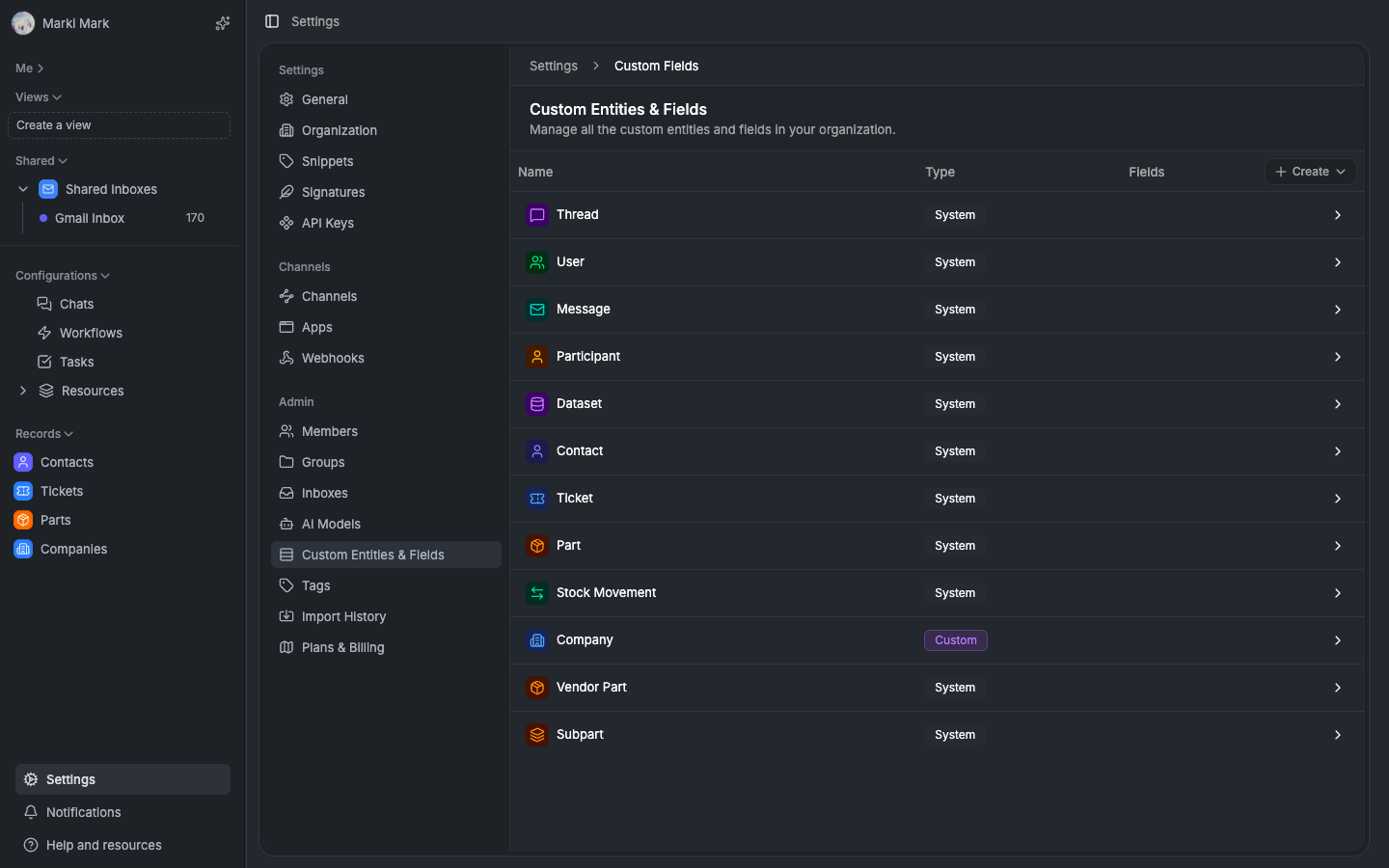
EntityDefinition — the type registry
This is the "what kind of thing is this?" table. Every entity type — system or custom — is a row here.
export const EntityDefinition = pgTable('entity_definition', {
  id: cuid(),
  apiSlug: varchar(),              // "companies", "deals" — unique per org
  singular: varchar(),             // "Company"
  plural: varchar(),               // "Companies"
  icon: varchar(),                 // lucide icon name
  color: varchar(),                // hex color for UI

  entityType: varchar(),           // 'contact', 'ticket', null for custom
  standardType: varchar(),         // legacy classification

  // display field pointers — references to CustomField IDs
  primaryDisplayFieldId: varchar(),
  secondaryDisplayFieldId: varchar(),
  avatarFieldId: varchar(),

  isVisible: boolean(),            // sidebar visibility
  archivedAt: timestamp(),         // soft delete
  organizationId: varchar(),       // multi-tenancy
})
A few decisions worth calling out:
System and custom entities live in the same table. Contacts, tickets, and parts are seeded EntityDefinitions with entityType set. Custom entities have entityType: null. This means the entire field system, display logic, and UI components work identically for both. One table, one code path, no special-casing.
apiSlug is unique per org with a partial index excluding archived entries. This gives you human-readable API paths like /api/resources/companies instead of UUID-based routes. When an entity is archived, the slug is freed up for reuse.
Display field pointers are foreign keys to CustomField IDs — not field names. When a field is renamed, the pointer still works. When a field is deleted, the pointer nulls out. More on why this matters in the denormalization section.
Soft delete only. We never hard-delete entity definitions because field values and relationships may still reference them. archivedAt is the safety mechanism.
CustomField — the field schema
This defines what fields an entity has. Think of it as the column definitions for a dynamic table.
export const CustomField = pgTable('custom_field', {
  id: cuid(),
  name: varchar(),                 // "Company Name", "Annual Revenue"
  type: fieldTypeEnum(),           // TEXT, NUMBER, RELATIONSHIP, SINGLE_SELECT...
  entityDefinitionId: varchar(),   // which entity this belongs to
  organizationId: varchar(),

  description: varchar(),
  required: boolean(),
  defaultValue: varchar(),
  isUnique: boolean(),

  options: jsonb(),                // select options, currency settings, file config
  displayOptions: jsonb(),         // number decimals, date format, boolean labels

  // capability flags
  isCreatable: boolean(),
  isUpdatable: boolean(),
  isComputed: boolean(),
  isSortable: boolean(),
  isFilterable: boolean(),

  systemAttribute: varchar(),      // maps to built-in columns: 'primary_email'
  sortOrder: varchar(),            // fractional indexing for field ordering
})
Capability flags instead of role-based rules. Instead of "admins can edit system fields", each field declares what it can do: isCreatable, isUpdatable, isComputed, isSortable, isFilterable. The UI reads these directly. No permission logic needed — the flag is the permission.
systemAttribute bridges dynamic and static. System entities like contacts have real database columns — primary_email, ticket_number. The systemAttribute field maps a CustomField to that column. The UI treats system fields and custom fields identically because they both go through the same CustomField abstraction.
options is JSONB, not a separate table. Select options, currency configuration, file type restrictions, relationship config — all stored in one column. This avoids an explosion of config tables and keeps field creation a single INSERT.
Fractional indexing for sortOrder. Field ordering uses strings like "a0", "a0V", "a1" instead of integers. Inserting a field between two others is O(1) — no renumbering the entire list. We use the fractional-indexing library. This matters a lot for drag-and-drop reordering.
EntityInstance — the records
This is where actual data lives. Each row is one record of one entity type.
export const EntityInstance = pgTable('entity_instance', {
  id: cuid(),
  entityDefinitionId: varchar(),   // what type of entity
  organizationId: varchar(),
  createdById: varchar(),

  // denormalized display values
  displayName: varchar(),          // cached primary display field value
  secondaryDisplayValue: varchar(),// cached secondary display field value
  avatarUrl: varchar(),            // cached avatar/image URL
  searchText: varchar(),           // combined primary + secondary for search

  metadata: jsonb(),               // entity-type-specific data
  archivedAt: timestamp(),
})
Denormalized display values are the most important optimization in the system. Without them, rendering a list of 500 contacts requires JOINing the FieldValue table for every row just to get display names. With them, its a single indexed query on EntityInstance. More on this in the denormalization section below.
searchText is a concatenation of primary + secondary display values. Full-text search without touching the FieldValue table at all.
metadata is typed per entity type. Tickets get resolvedAt, closedAt, mailgunMessageId. Contacts get shopifyCustomerId, source. TypeScript discriminated unions provide compile-time safety:
type TicketMetadata = {
  resolvedAt?: string
  closedAt?: string
  mailgunMessageId?: string  // partial index for email dedup
  internalReference?: string // partial index for routing
}

type ContactMetadata = {
  shopifyCustomerId?: string
  source?: string
  lastInteractionAt?: string
}
Why metadata instead of FieldValue? These fields are system-managed (not user-editable), need specialized partial indexes, and are queried in hot paths. Every inbound email checks mailgunMessageId. That needs a proper index, not an EAV lookup.
FieldValue — the EAV storage
This is the big one. Every custom field value for every record is a row here.
export const FieldValue = pgTable('field_value', {
  id: cuid(),
  entityId: varchar(),             // EntityInstance.id
  fieldId: varchar(),              // CustomField.id
  organizationId: varchar(),       // denormalized
  entityDefinitionId: varchar(),   // denormalized

  // typed columns — only ONE populated per row
  valueText: text(),
  valueNumber: doublePrecision(),
  valueBoolean: boolean(),
  valueDate: timestamp(),
  valueJson: jsonb(),

  // reference columns
  optionId: varchar(),             // SINGLE_SELECT, MULTI_SELECT
  relatedEntityId: varchar(),      // RELATIONSHIP target
  relatedEntityDefinitionId: varchar(),
  actorId: varchar(),              // ACTOR (user or group)

  sortKey: varchar(),              // fractional indexing for multi-value ordering
})
Wide schema over polymorphic values. Instead of storing everything as text and parsing, each value type has its own column. Only one is populated per row. This means PostgreSQL can use native types for sorting, filtering, and indexing. WHERE valueNumber > 100 works without casting. ORDER BY valueDate works without conversion.
One row per value, not one row per field. Multi-select fields, relationship fields, and tag fields store multiple rows with the same (entityId, fieldId) pair, differentiated by sortKey. Single-value fields have exactly one row. This design handles arbitrary multi-value fields without a separate junction table.
Denormalized organizationId and entityDefinitionId. These could be JOINed from EntityInstance, but theyre on every row for query performance. Filtering "all field values for entity type X in org Y" hits one composite index instead of requiring a JOIN.
The type system
We support ~20 field types, each mapping to specific storage columns:
| Field Type | Storage Column | Notes |
|---|---|---|
| TEXT | valueText | plain text |
| RICH_TEXT | valueText | html/markdown stored as text |
| valueText | validated, lowercased | |
| URL | valueText | protocol auto-inferred |
| PHONE_INTL | valueText | E.164 format |
| NUMBER | valueNumber | native double precision |
| CURRENCY | valueNumber | number + currency config in options |
| CHECKBOX | valueBoolean | coerces truthy/falsy inputs |
| DATE / DATETIME / TIME | valueDate | ISO 8601, with timezone |
| SINGLE_SELECT | optionId | references options in CustomField.options |
| MULTI_SELECT | optionId | multiple rows per entity+field |
| RELATIONSHIP | relatedEntityId | points to EntityInstance |
| ACTOR | actorId | user or group reference |
| FILE | valueJson | { ref: "asset:id" } |
| NAME | valueJson | { firstName, lastName } |
| ADDRESS_STRUCT | valueJson | { street, city, state, zip, country } |
| CALC | (computed) | never stored — computed from source fields |
Converters — the type pipeline
Every field type has a converter with three methods:
interface FieldValueConverter {
  toTypedInput(value: unknown): TypedFieldValueInput | null
  toRawValue(value: TypedFieldValue): unknown
  toDisplayValue(value: TypedFieldValue, options?: FieldOptions): unknown
}
toTypedInput handles all the messy coercion — "true" becomes true, "123" becomes 123, "[email protected]" becomes "[email protected]". Every write path goes through this. Invalid inputs return null rather than throwing, so the caller decides what to do with validation failures.
toRawValue extracts the primitive for APIs and export.
toDisplayValue formats for humans — currency with symbols, dates with locale formatting, relationship fields with display names.
Each converter uses Zod for validation. Theyre pure functions — no side effects, no database calls. Easy to test in isolation.
TypedFieldValue — discriminated unions
Every field value flowing through the system is wrapped in a discriminated union:
type TypedFieldValue =
  | { type: 'text'; value: string }
  | { type: 'number'; value: number }
  | { type: 'boolean'; value: boolean }
  | { type: 'date'; value: string }
  | { type: 'json'; value: Record<string, unknown> }
  | { type: 'option'; optionId: string; label?: string; color?: string }
  | { type: 'relationship'; recordId: RecordId }
  | { type: 'actor'; actorType: 'user' | 'group'; id: string }
Pattern matching on type gives you compile-time guarantees about which properties exist. No more value as string casts scattered through the codebase.
Display field denormalization
This is the optimization that makes the whole system viable at scale.
The problem
A table view showing 100 contacts needs to display each contacts name, email, and avatar. Without denormalization, thats 1 query for 100 EntityInstances plus 300 FieldValue lookups (or one big JOIN with 300 results to group by). Sorting by display name? Even worse — you cant efficiently sort by a JOINed FieldValue column.
The solution
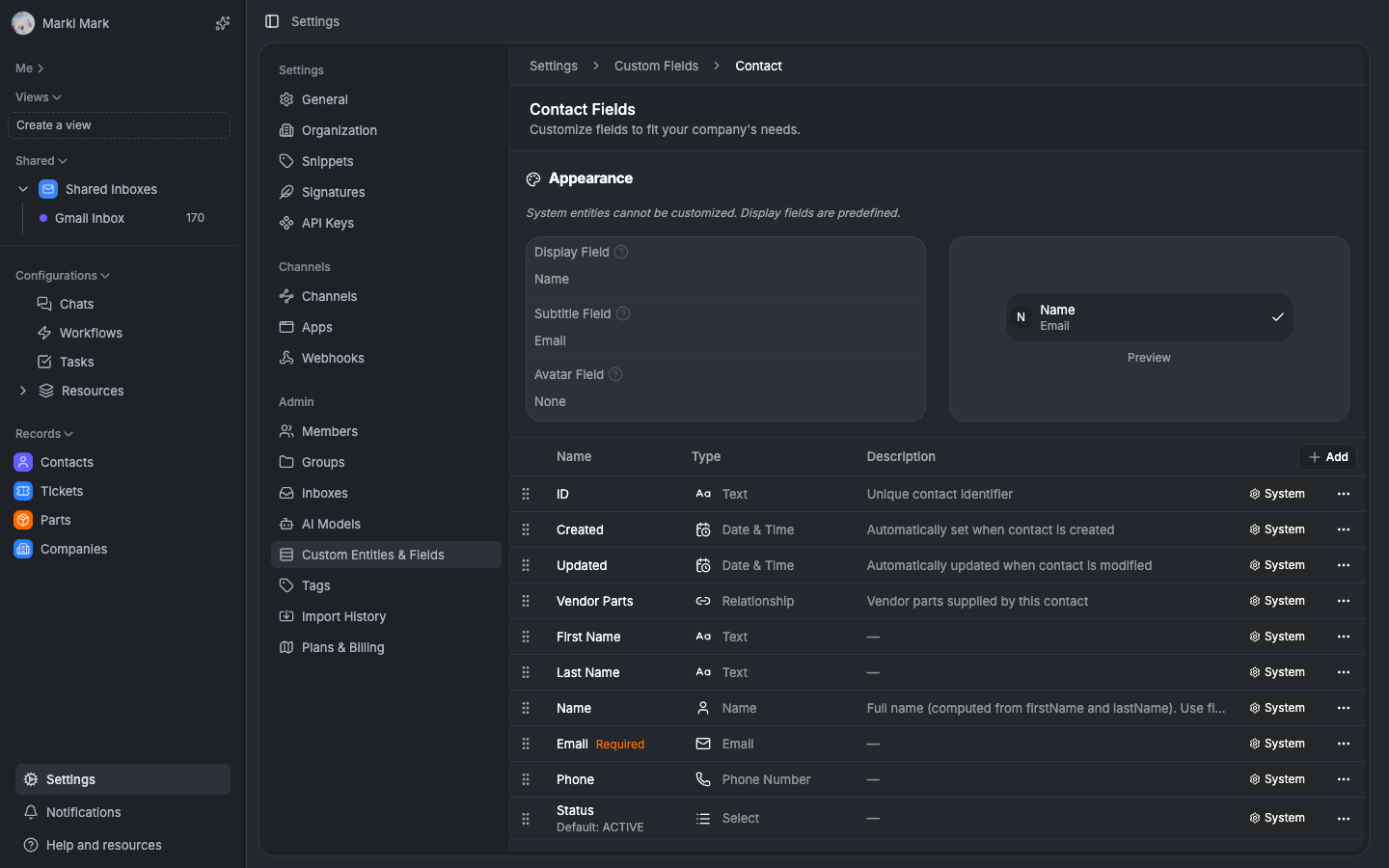
EntityDefinition stores pointers to three "display fields" — which CustomField should be used for the title, subtitle, and image:
primaryDisplayFieldId→ main title (e.g., "Company Name")secondaryDisplayFieldId→ subtitle (e.g., "Website")avatarFieldId→ image (e.g., "Logo")
When a field value changes and that field is a display field, the system recalculates the denormalized columns on EntityInstance:
EntityInstance.displayName = "Acme Corp"
EntityInstance.secondaryDisplayValue = "acme.com"
EntityInstance.avatarUrl = "https://cdn.example.com/logos/acme.png"
EntityInstance.searchText = "Acme Corp acme.com"
Now listing, sorting, and searching are all single-table queries on EntityInstance. No JOINs needed.
How recalculation works
The DisplayFieldService handles this:
- Fetch the EntityDefinition with its display field pointers
- Get all instances of that entity type in batches of 100
- For each batch, use
FieldValueService.batchGetValues()to fetch display field values - For RELATIONSHIP display fields, batch-resolve related entity display names
- Convert to display strings using the converters
toDisplayValue() - Batch UPDATE EntityInstance rows with new denormalized values
- Rebuild
searchTextby concatenating primary + secondary
This runs in two cases:
- When a user changes which field is the display field — full recalculation for all instances
- When a field value changes and that field is a display field — targeted single-instance update
Batching at 100 records avoids memory issues on large datasets.
Relationships — bidirectional by default
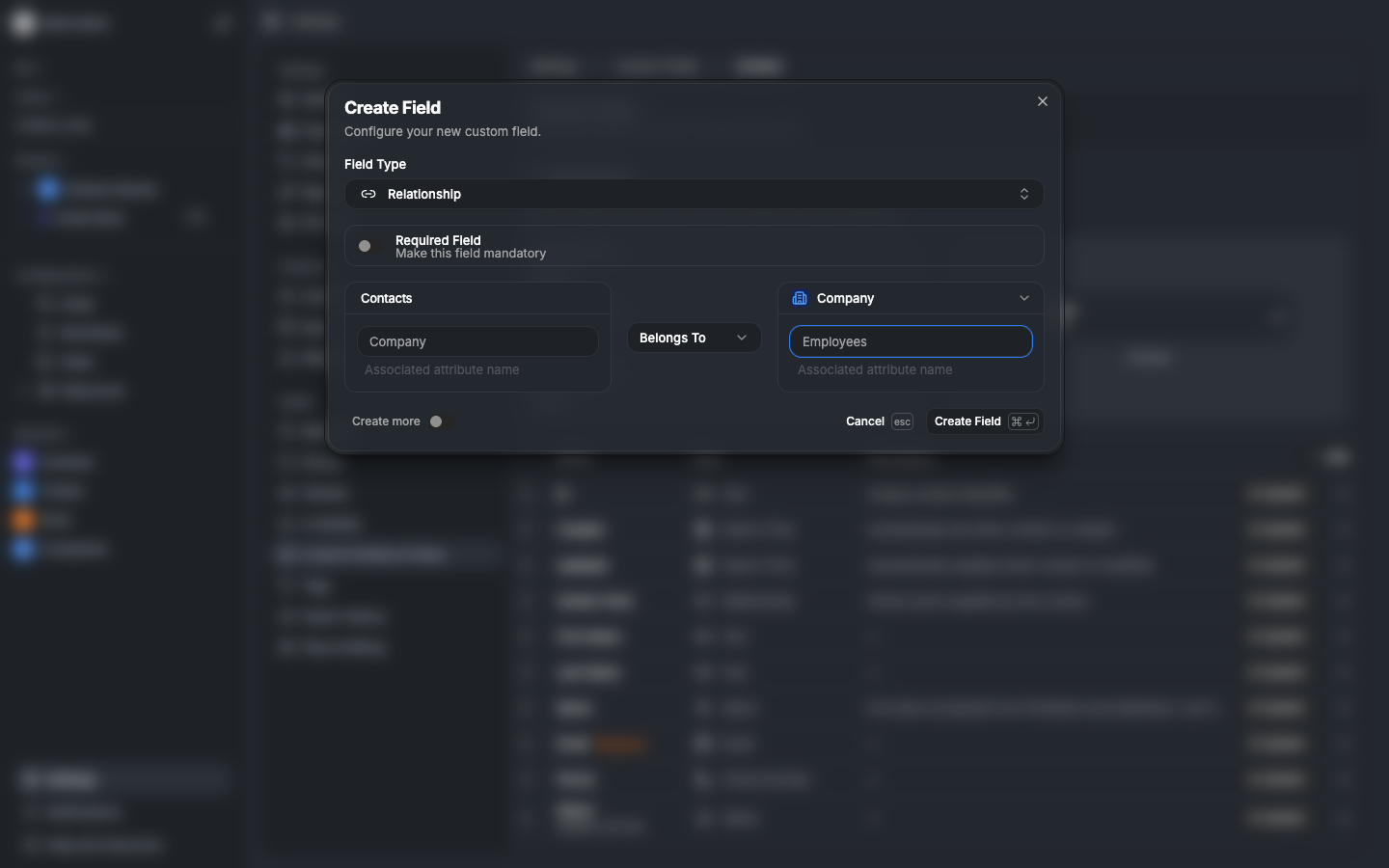
Every RELATIONSHIP field can have an inverse. When you create a "Primary Contact" field on Company pointing to Contact, the system automatically creates a "Companies" field on Contact pointing back.
Cardinality
| Relationship Type | Forward | Inverse |
|---|---|---|
| belongs_to | single value | has_many (array) |
| has_one | single value | has_one (single) |
| has_many | array | belongs_to (single) |
| many_to_many | array | array |
Inverse sync
When a relationship field value changes:
- Capture old related IDs (what was linked before)
- Apply the new values
- Calculate the diff —
added = new - old,removed = old - new - For each removed ID: delete the inverse FieldValue row pointing back
- For each added ID: insert an inverse FieldValue row pointing back
For has_one/belongs_to inverses, clear existing before setting new. Prevents duplicates. Uses inArray() for batch operations — not N separate queries.
The resource registry — unifying system and custom
Both system entities (Contact, Ticket) and custom entities (Company, Deal) implement the same Resource interface:
interface Resource {
  id: string
  slug: string
  singular: string
  plural: string
  icon: string
  color: string
  fields: ResourceField[]
  displayConfig: DisplayConfig
  capabilities: ResourceCapabilities
}
System fields are injected automatically — every entity gets id, createdAt, updatedAt from the EntityInstance table columns. Custom fields come from the CustomField table. The UI doesnt know or care which is which.
ResourceFieldId — the composite key
// format: "entityDefinitionId:fieldKey"
"contact:email"           // Contact entity, email field
"cuid123abc:company_name" // Custom entity, custom field
This encodes both entity type and field identity in a single string. No ambiguity when multiple entity types have fields with the same name.
Entity templates — one-click schema bootstrapping
This is where it gets fun. We ship 35+ pre-built templates — Company, Order, Product, Lead, Deal, and more. Installing a template creates the entity definition, all its fields, and all its relationships in one click.
Template structure
const companyTemplate: EntityTemplate = {
  id: 'company',
  name: 'Company',
  categories: ['crm', 'e-commerce'],
  entity: {
    apiSlug: 'companies',
    singular: 'Company',
    plural: 'Companies',
    icon: 'building-2',
    color: '#6366f1',
  },
  fields: [
    { id: 'company_name', name: 'Company Name', type: FieldType.TEXT },
    { id: 'website', name: 'Website', type: FieldType.URL },
    { id: 'logo', name: 'Logo', type: FieldType.FILE },
    { id: 'industry', name: 'Industry', type: FieldType.SINGLE_SELECT,
      options: [/* ... */] },
    { id: 'primary_contact', name: 'Primary Contact',
      type: FieldType.RELATIONSHIP,
      relationship: { targetRef: '@system:contact', type: 'belongs_to' } },
  ],
  primaryDisplayField: 'company_name',
  secondaryDisplayField: 'website',
  avatarField: 'logo',
  companions: ['order', 'deal'],
}
Symbolic references
Templates reference other entities using symbolic refs:
@system:contactresolves to the Contact EntityDefinition ID at install time@template:companyresolves to the Company entity created in the same install batch
This allows templates to define cross-entity relationships without hardcoding IDs. A template works in any org without changes.
The 5-pass installation algorithm
Installing templates is a multi-pass process because of dependency ordering:
- Resolve
@system:*references — look up system entity IDs from the orgs EntityDefinition table - Create EntityDefinitions — insert entity types (handles slug conflicts by appending
-1,-2) - Create non-relationship fields — TEXT, NUMBER, SELECT, etc. No dependencies
- Create relationship fields — now that all entities exist, resolve
@template:*refs and create RELATIONSHIP fields with proper inverses - Set display field pointers — update EntityDefinition with primary/secondary/avatar field IDs
Why five passes? Relationship fields need both the source and target entity to exist. Display field pointers need the field to exist. Ordering the passes this way means every reference is valid when its resolved.
Conflict resolution
When a templates slug matches an existing entity in the org:
- "Use existing" — link relationships to the existing entity, skip creation
- "Create new" — create a duplicate with a suffixed slug
The UI shows conflict indicators and lets users choose per-entity. Field modifications — rename or remove — are also supported before installation.
The field configuration UI
The custom field dialog supports every field type with type-specific editors:
- Select fields: drag-and-drop option ordering with color pickers
- Relationship fields: three-column editor — source field name, relationship type dropdown, target resource selector with inverse field name
- File fields: allowed types, max file count, multiple toggle
- Currency fields: currency symbol, decimal precision
- Calculated fields: TipTap formula editor with field picker and function library
- Address fields: component selection (street, city, state, zip, country)
- Display options: number formatting, date formats, boolean labels
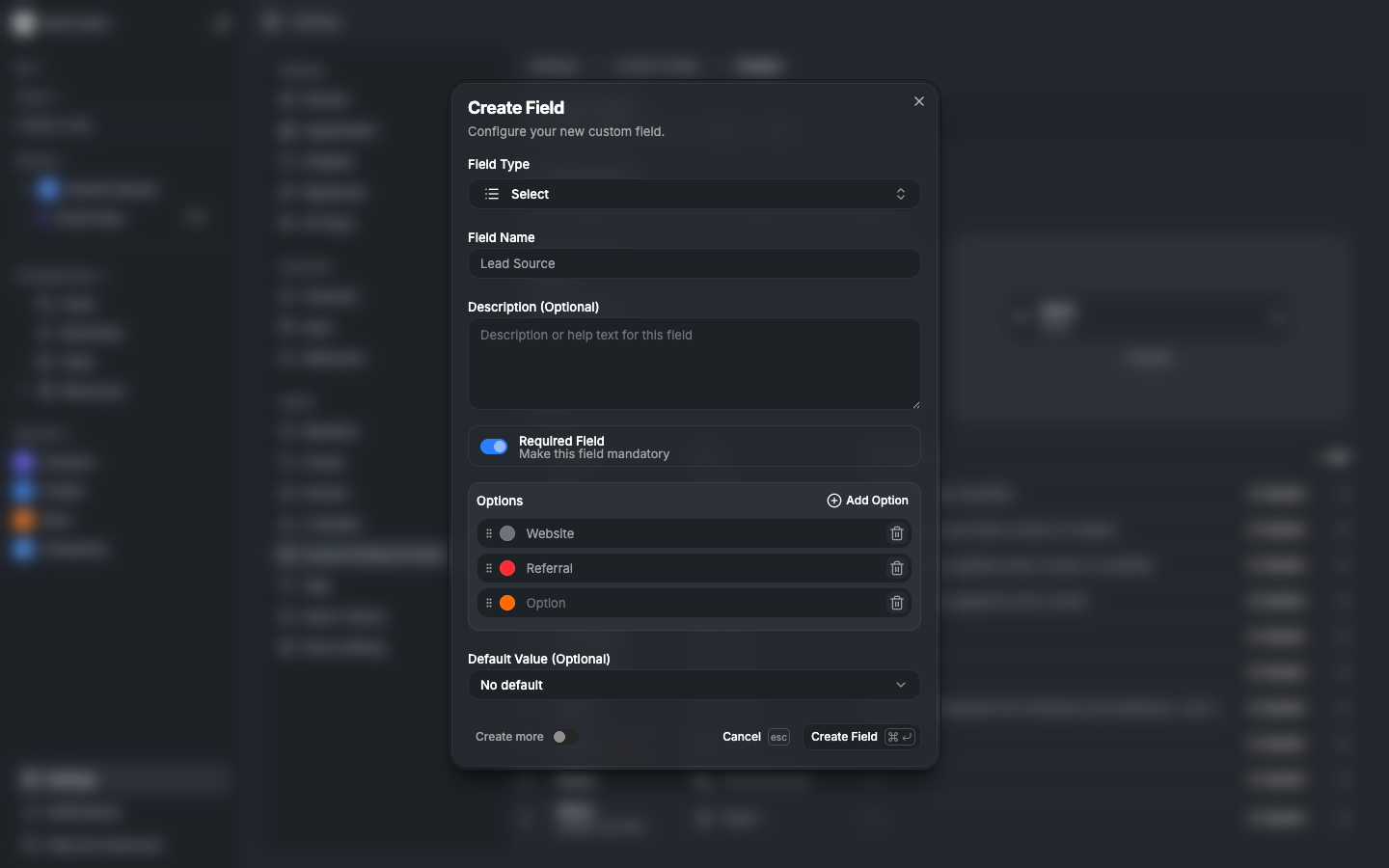
All field mutations use optimistic updates with fractional indexing for sort order. Creating a field generates a temp ID, builds an optimistic ResourceField matching the server shape, and applies it to the UI immediately. The server catches up in the background.
Caching strategy
Two cache layers keep things fast:
Entity definition cache — org-scoped, 30-day TTL. Entity definitions rarely change. Maps entityType to entityDefinitionId for instant lookups without database queries.
Custom field cache — org-scoped, 15-minute TTL. All CustomField rows indexed by entityDefinitionId. Invalidated on any field CRUD operation.
Cache events cascade through the system:
entity-def.created → invalidate entity def cache → rebuild resource registry
field.created → invalidate field cache → rebuild resource fields
field.updated → invalidate field cache + recalc display fields if needed
System entity seeding
When an organization is created, system entities are seeded automatically:
| Entity | Visible | Primary Display | Secondary Display | Avatar |
|---|---|---|---|---|
| Contact | yes | name | avatar | |
| Ticket | yes | title | number | — |
| Part | yes | title | sku | image |
| Thread | no | — | — | — |
| Tag | no | — | — | — |
| Inbox | no | — | — | — |
The seeding process creates EntityDefinitions, CustomFields with systemAttribute mappings, links display fields, and creates default field views for card, table, and kanban contexts.
Trade-offs
| Decision | Trade-off | Why we chose it |
|---|---|---|
| EAV-style FieldValue table | slower queries vs flexibility | users need arbitrary field types; denormalized display values compensate |
| Wide schema (typed columns) | more columns vs type safety | native PostgreSQL types for sorting/filtering; no casting overhead |
| Display field denormalization | write amplification vs read speed | lists and search are read-heavy; occasional recalc is fine |
| System + custom in same table | complexity vs uniformity | one UI, one API, one cache layer for everything |
| Fractional indexing | string comparison vs integer math | O(1) reordering; critical for drag-and-drop |
| JSONB options column | less queryable vs simpler schema | field options are always loaded with the field; never queried independently |
| Symbolic template refs | install complexity vs reusability | templates work across any org without ID coupling |
Whats next
This covers the foundation — the four tables, the type system, display field denormalization, relationships, templates, and caching. But the schema is just the blueprint.
The interesting part is making it fast and correct at runtime.
In Part 2, well cover how data flows through the backend — the unified CRUD handler, the field value write pipeline, how we query an EAV table without it being slow, and snapshot caching for stable pagination.