WISMO: How to Handle "Where Is My Order" Tickets Without Losing Your Mind
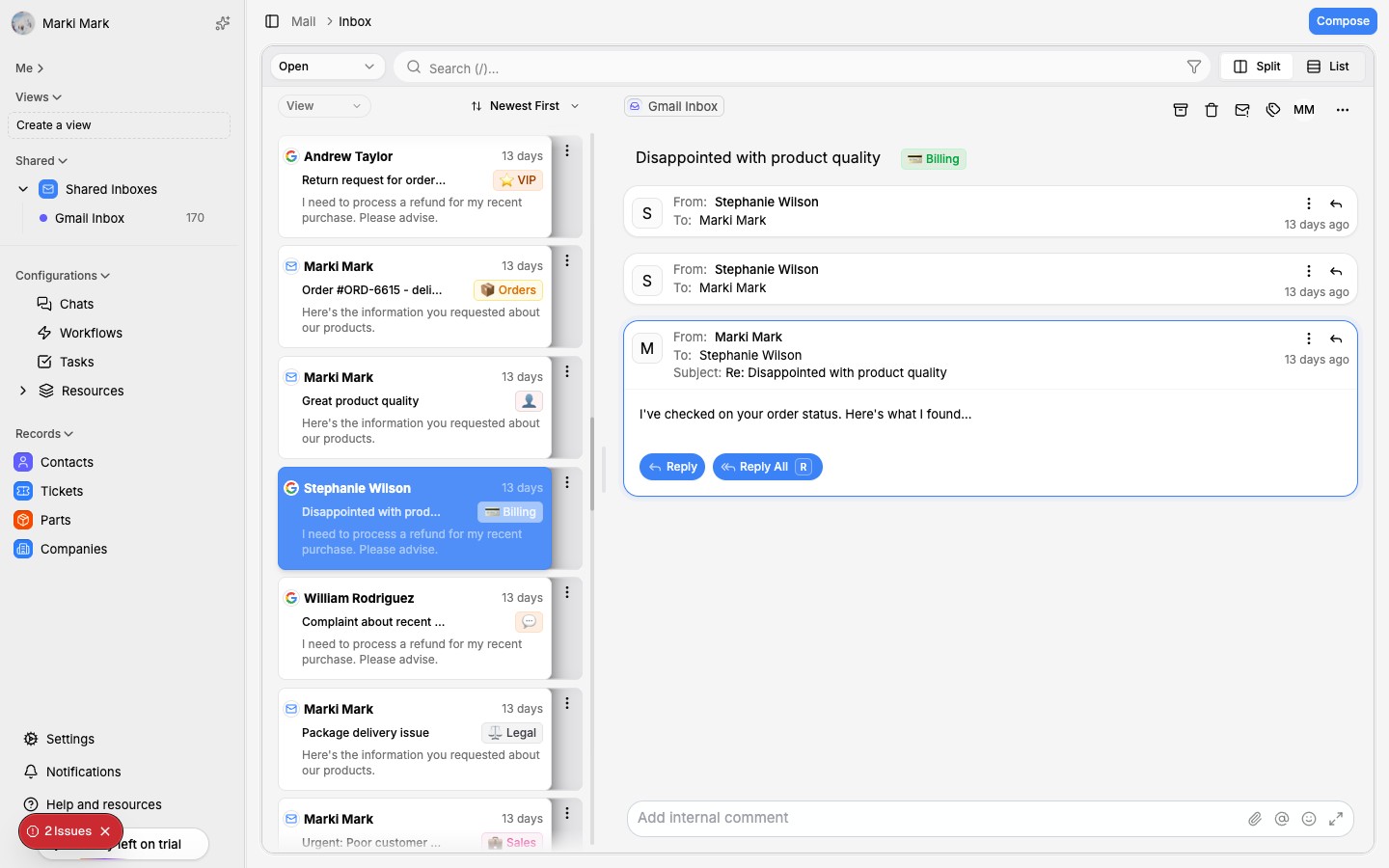

WISMO tickets eat up 30-40% of your support queue. Here's how to reduce them and automate the rest.
Why WISMO dominates your inbox
"Where is my order?" It's the most common support ticket in e-commerce. Not the most complex. Not the most interesting. Just the most frequent.
Industry data consistently puts WISMO at 30-40% of all e-commerce support tickets. For some stores — especially those with longer shipping times or international orders — it's closer to 50%.
The frustrating part: almost every WISMO ticket has a straightforward answer. The tracking number is in your system. The carrier has the status. The information exists. The customer just can't find it — or doesn't trust the automated tracking page.
This creates a brutal dynamic. Your support team spends a third of their day looking up tracking numbers and copy-pasting statuses. Meanwhile, tickets that actually need human judgment — refund disputes, product issues, pre-sale questions — sit in the queue getting stale.
The fix isn't complicated. But it requires understanding that not all WISMO tickets are the same.
The 5 types of WISMO tickets
Every WISMO ticket feels the same at first glance. But the reason behind the question — and the correct response — varies significantly.
1. "It hasn't shipped yet"
The order was placed but hasn't left your warehouse. The customer is anxious because they expected faster fulfillment.
Root cause: Unclear shipping expectations at checkout, or a genuine fulfillment delay.
Best response: Acknowledge the timeline, give a specific expected ship date, and explain any delays. If fulfillment is running behind, be honest about it.
2. "It's in transit but taking too long"
The package shipped but hasn't arrived within the expected window. The customer can see tracking updates but is getting impatient.
Root cause: Carrier delays, inaccurate delivery estimates, or the customer didn't read the shipping timeline.
Best response: Share the latest tracking status, provide a realistic updated delivery estimate, and offer to escalate with the carrier if it's significantly delayed.
3. "It's delayed with no updates"
Tracking hasn't updated in days. The package appears stuck. The customer is worried it's lost.
Root cause: Carrier scanning gaps, customs delays for international shipments, or actual package issues.
Best response: This is where it gets tricky. If tracking hasn't updated in 5+ business days, the customer's concern is legitimate. Offer to file a carrier inquiry and provide a timeline for follow-up. Don't just say "be patient."
4. "It says delivered but I don't have it"
The carrier marked it delivered, but the customer doesn't have the package. This is the most stressful WISMO variant for both the customer and the agent.
Root cause: Porch piracy, misdelivered to a neighbor, left in a mailroom, or a carrier scan error.
Best response: Ask the customer to check with neighbors and any secondary delivery locations. If still missing after 24-48 hours, either reship or refund. Don't make the customer prove they didn't receive it — that's a losing battle.
5. "Wrong address / I need to change my address"
The customer realizes they entered the wrong shipping address, or they moved after ordering.
Root cause: Checkout errors, address autocomplete issues.
Best response: If it hasn't shipped, update the address. If it's already in transit, contact the carrier for an intercept (usually possible with major carriers for a fee). Be upfront about limitations.
Quick wins: proactive notifications that prevent tickets
The best WISMO ticket is one that never gets created. Proactive shipping notifications eliminate 40-60% of WISMO tickets before they happen.
Here's the notification sequence that works:
- Order confirmed — immediately after purchase. Include expected processing time.
- Order shipped — with tracking number and estimated delivery date. This is the most important notification.
- Out for delivery — same-day notification. Reduces "delivered but not received" anxiety.
- Delivered — confirmation with a prompt to reach out if there are any issues.
- Delay detected — if tracking shows a delay, proactively notify before the customer notices. This single notification prevents more tickets than any other.
Most Shopify stores only send the first two. Adding the delay notification alone can cut WISMO volume by 20%.
The key is making tracking information easy to find. Put the tracking link in every notification. Add an order status page to your site. Make it accessible from the customer's account page. The more places a customer can self-serve their tracking info, the fewer tickets you get.
Setting up automated WISMO responses
Even with proactive notifications, you'll still get WISMO tickets. The goal is to resolve them instantly without a human touching them.
Here's how automated WISMO resolution works:
Step 1: Detect the WISMO intent
When a ticket comes in, AI classifies it. If the message is about order status — regardless of how it's phrased — it gets tagged as WISMO. Customers say "where's my stuff," "any update on order #1234," "when will this arrive," and dozens of other variations. Good intent detection catches all of them.
Step 2: Pull live tracking data
The system looks up the order by email, order number, or customer ID. It fetches the current tracking status from the carrier API — not a cached status, but the live data. This is critical. A stale status from 6 hours ago defeats the purpose.
Step 3: Generate a contextual response
Based on the tracking status, the system drafts a response specific to the situation:
- Pre-shipment: "Your order is being prepared and is expected to ship by [date]."
- In transit: "Your package is on the way. It was last scanned at [location] on [date]. Estimated delivery is [date]."
- Delayed: "We noticed your package hasn't had a tracking update since [date]. We're checking with the carrier and will update you within 24 hours."
- Delivered: "According to tracking, your package was delivered on [date] at [time]. If you haven't received it, please let us know and we'll take care of it."
Step 4: Send or queue for review
For straightforward cases (in transit, delivered), send automatically. For edge cases (long delays, delivered-but-not-received), route to a human with the tracking data pre-loaded so they can respond in seconds instead of minutes.
This approach resolves 60-70% of WISMO tickets without any human involvement. The remaining tickets arrive to agents with full context already attached, cutting handle time from 5 minutes to under 1 minute.
For more on cutting response times across all ticket types, see our guide on reducing customer support response time.
When WISMO tickets actually need a human
Automation handles the majority. But some WISMO tickets genuinely require a person. Knowing when to route to a human is just as important as knowing when to automate.
Route to a human when:
- Tracking hasn't updated in 7+ days. The package may be lost. The agent needs to file a carrier claim, decide whether to reship, and communicate the timeline.
- The customer says it's delivered but they don't have it. This needs empathy and a judgment call. Automated "check with your neighbors" responses feel dismissive for what is often a stressful situation.
- Multiple delivery attempts have failed. The carrier can't access the delivery location. This needs coordination between the customer, the carrier, and potentially your fulfillment team.
- International shipments stuck in customs. Customs holds are unpredictable. The customer may need to provide documentation. This requires back-and-forth that automation can't handle well.
- The customer is already frustrated. If the message includes language indicating anger or previous failed attempts to get help, route to your best agent. An automated response to an already-frustrated customer makes things worse.
The goal isn't zero human involvement. It's making sure humans only handle the cases where they add real value.
Measuring WISMO reduction
You can't improve what you don't track. Here are the metrics that matter:
- WISMO ticket volume — total and as a percentage of all tickets. Track weekly.
- WISMO auto-resolution rate — what percentage of WISMO tickets are fully resolved without human involvement.
- WISMO first-response time — should be under 2 minutes for automated responses, under 15 minutes for human-routed ones.
- WISMO ticket reopen rate — if customers keep replying to automated responses, your auto-responses aren't good enough.
- Proactive notification open rate — are customers actually seeing your shipping updates? If open rates are low, your WISMO prevention isn't working.
Setting benchmarks
A well-optimized Shopify store should target:
- WISMO as under 15% of total ticket volume (down from 30-40%)
- Auto-resolution rate of 60-70% for WISMO tickets
- First-response time of under 5 minutes for all WISMO tickets
- Reopen rate of under 10% on auto-resolved WISMO tickets
Getting there doesn't happen overnight. Start by adding proactive notifications, then layer in automated responses, then refine based on your reopen rate.
For strategies on scaling your entire support operation — not just WISMO — check out our guide on scaling Shopify customer support.
The bottom line: WISMO tickets are a solved problem. They don't need to consume a third of your support team's day. The combination of proactive notifications and intelligent automation handles the vast majority, leaving your team free to work on the tickets that actually need them.