The Shopify Store Owner's Guide to Email Support
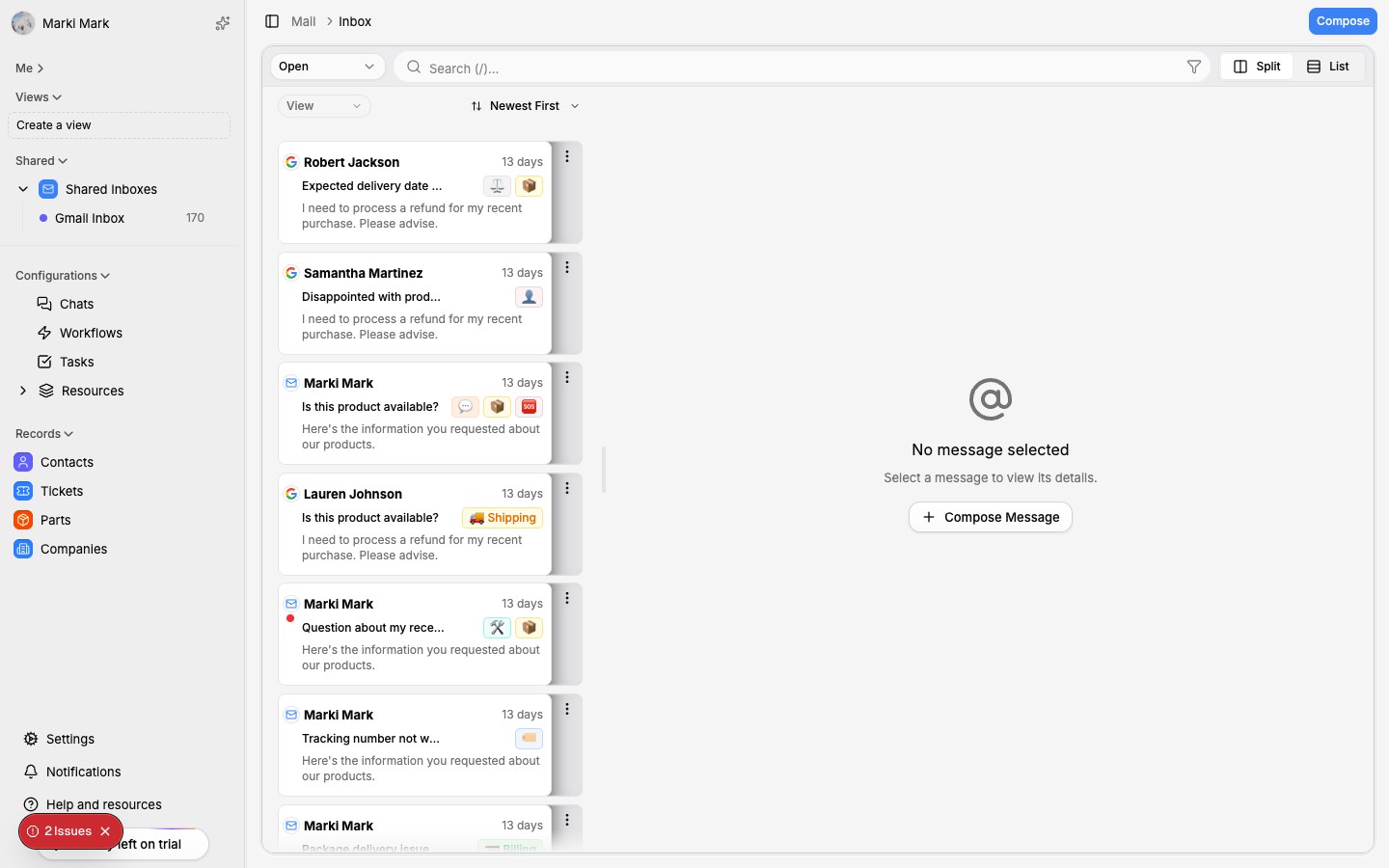

Email is still the #1 support channel for e-commerce. Here's how to set it up right from day one.
Email isn't going anywhere
Live chat gets the hype. Social DMs get the attention. But email is still where the majority of e-commerce support happens. Studies consistently show that 60-70% of customer support interactions in e-commerce happen over email.
The reasons are simple. Email is asynchronous — customers can write when it's convenient, and you can respond when you're ready. It creates a paper trail. It handles complex issues better than chat. And unlike social media, you actually own the channel.
If you're running a Shopify store, getting your email support right is the single highest-leverage thing you can do for customer experience.
Set up a proper support inbox
This is where most store owners go wrong. They use their personal email — or worse, the same Gmail account they use for supplier communication, Shopify notifications, and everything else.
Create a dedicated support address. Something like [email protected] or [email protected]. This does three things:
- Separates support from noise. You won't miss a customer email buried between Shopify admin notifications and marketing newsletters.
- Enables team access. When you hire help, you can share access without handing over your personal inbox.
- Looks professional. Customers trust a dedicated support address more than a generic Gmail.
If you're using a custom domain (you should be), set up the support address through your domain provider. If you're not ready for that, even a dedicated Gmail like [email protected] is better than mixing everything together.
Shared access matters early
Even if you're a solo operator right now, set up your inbox as if you'll have a team tomorrow. Use Google Workspace or Microsoft 365 so you can add team members later without migrating everything.
A shared inbox means multiple people can see, claim, and respond to tickets without stepping on each other's toes. It also means you have continuity — if someone leaves, the conversation history stays.
Gmail vs. Outlook vs. dedicated helpdesk
You have three real options. Each has tradeoffs.
Gmail / Google Workspace
Pros: Familiar interface, excellent search, easy to set up, works with most third-party tools. The collaborative inbox features in Google Workspace are decent for small teams.
Cons: Not built for support. No built-in ticket tracking, SLA management, or collision detection. Once you're past 50 tickets a day, it starts to feel like duct tape.
Outlook / Microsoft 365
Pros: Better for teams already in the Microsoft ecosystem. Shared mailboxes are straightforward. Calendar and Teams integration can help with scheduling and escalation.
Cons: Same limitations as Gmail — it's an email client, not a support tool. The interface is heavier. Third-party integrations are slightly less common than Gmail.
Dedicated helpdesk (Zendesk, Freshdesk, etc.)
Pros: Built for support. Ticket tracking, SLA management, macros, reporting, multi-channel support. All the features you'd expect.
Cons: Expensive. Complex to set up. Often overkill for stores doing under 100 tickets a day. Most Shopify stores don't need 90% of what these tools offer — but they're paying for all of it.
The honest answer: Start with Gmail or Outlook. They're good enough until they're not. When you outgrow them, you'll know — because you'll start dropping tickets, losing context, and feeling overwhelmed. That's the right time to upgrade, not before.
For a deeper look at how email compares to other channels, check out our email vs. live chat breakdown.
Inbox zero for support
Inbox zero isn't about having zero emails. It's about having zero emails that haven't been triaged. Every message should be in one of four states:
- Needs response — you haven't replied yet
- Waiting on customer — you replied, ball's in their court
- Waiting on internal — you need info from a supplier, team member, or Shopify
- Resolved — done, archived
Labels and folders
Set up labels or folders that match these states. In Gmail, use labels with colors. In Outlook, use folders or categories. The specific system doesn't matter — what matters is that every email has a status.
Add secondary labels for ticket type: order issues, returns, product questions, shipping, billing. This helps you spot patterns and prioritize.
Prioritization rules
Not all tickets are equal. Prioritize based on:
- Revenue impact — pre-sale questions from potential customers go first
- Time sensitivity — shipping issues and "where is my order" tickets have a shelf life
- Customer value — repeat customers and high-value orders get priority
- Complexity — quick wins first, complex issues when you have focus time
Set up filters to auto-label based on keywords. "Where is my order" goes to shipping. "Return" or "refund" goes to returns. This isn't perfect, but it handles 60-70% of triage automatically.
Reply guidelines your team can follow
When it's just you, consistency is automatic. The moment you add a second person, it falls apart — unless you have guidelines.
Keep a reply guide
Document your standards:
- Tone — friendly but professional. First name basis. No corporate speak.
- Response time targets — under 4 hours during business hours, under 24 hours otherwise.
- Signature format — consistent across the team.
- Escalation rules — what gets escalated, to whom, and how fast.
Templates for the top 20
Identify your 20 most common ticket types. Write a template for each. These aren't copy-paste scripts — they're starting points that agents customize for each customer.
Good templates include:
- A greeting that acknowledges the specific issue
- The actual answer or resolution
- A proactive next step (tracking link, return label, etc.)
- A closing that invites follow-up
What not to say
Just as important as what you should say:
- Don't blame the customer. Ever.
- Don't say "as per our policy" — rewrite the policy in plain language.
- Don't apologize without action. "Sorry about that" means nothing without "here's what I'm doing to fix it."
- Don't over-promise. If you're not sure when something will ship, say so.
Connect your inbox to Shopify
Answering support emails without seeing the customer's order data is like diagnosing a patient without running tests. You're guessing.
At minimum, you need quick access to:
- Order status and tracking info
- Customer purchase history
- Previous support conversations
- Product details for the items they ordered
The manual way: keep a Shopify admin tab open and look up every customer by email. This works for 10 tickets a day. It doesn't work for 50.
The better way: use a tool that pulls Shopify data into your support workflow automatically. When a customer emails, you should see their orders, shipments, and history without leaving your inbox.
This context doesn't just make you faster — it makes your responses better. You can reference specific order numbers, provide exact tracking links, and catch issues the customer hasn't even noticed yet.
The case for AI-powered email support
Traditional helpdesks solve the organization problem. They give you tickets, queues, and reporting. But they don't solve the actual bottleneck: writing good replies takes time.
AI-powered support flips the model. Instead of organizing your workload and hoping your team can keep up, AI handles the repetitive work directly:
- Auto-drafts replies for common questions using your Shopify data and knowledge base
- Categorizes and routes tickets instantly, no manual triage
- Pulls order context automatically — no more tab-switching
- Learns from your past replies to match your tone and style
- Handles the easy stuff entirely so you focus on the hard stuff
The difference between a helpdesk and AI support is the difference between a better filing cabinet and an actual assistant.
For most Shopify stores doing 20-200 tickets a day, this is the sweet spot. You get the organization benefits without the complexity and cost of a full helpdesk platform. And the AI handles the volume that would otherwise require hiring.
If you're ready to go beyond inbox management, here's how to automate your Shopify customer support without losing the personal touch.
Start simple, then scale
You don't need a perfect setup on day one. Here's the progression:
- Day one: Dedicated support email, basic labels, response time goal
- Week two: Templates for your top 10 ticket types, prioritization rules
- Month two: Connect Shopify data to your support workflow
- When you're ready: Add AI-powered drafting and automation
Each step builds on the last. Skip straight to step four and you'll automate a mess. Start at step one and you'll build something that actually scales.
The stores that nail support aren't the ones with the fanciest tools. They're the ones with the clearest processes. Get the fundamentals right, and the tools — whether that's Gmail or AI — will amplify what's already working.