Building Your Own App Store from Scratch (Part 2): The Developer Portal
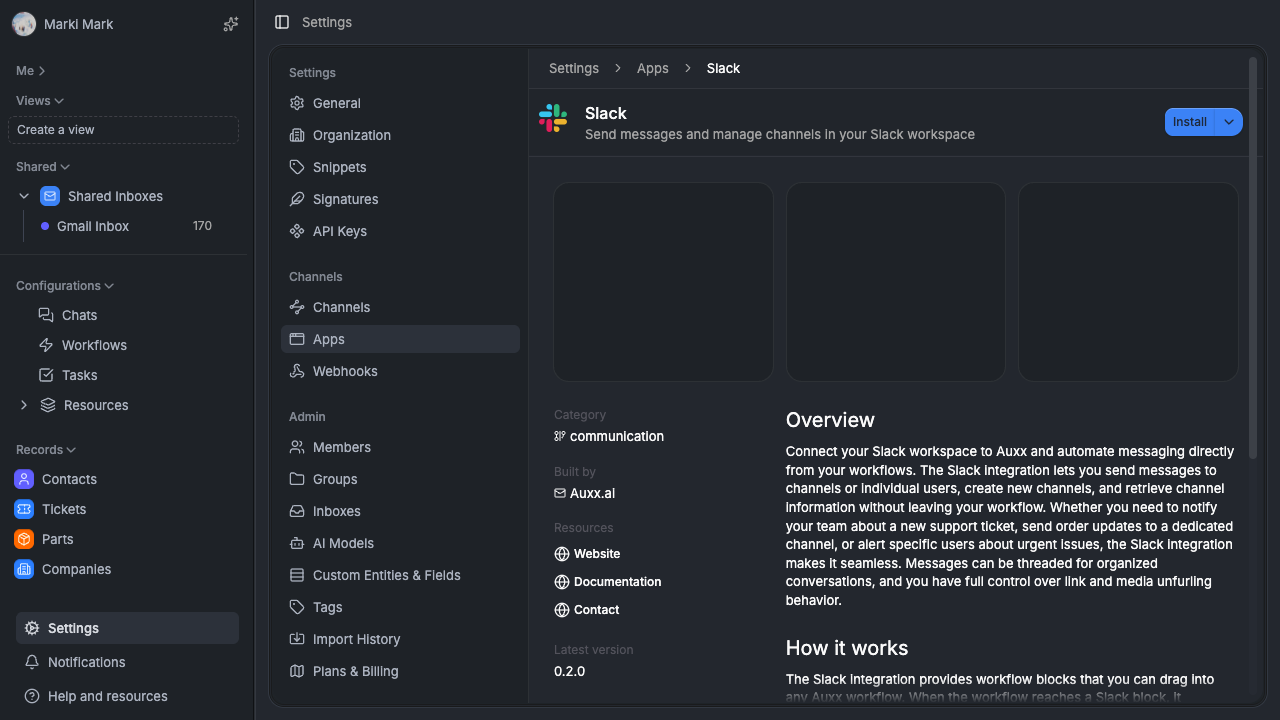

How we built apps/build — a standalone developer portal with dehydrated state, JWT auth, tRPC routers, version management, OAuth configuration, and team invitations.
The build app
In part 1 we covered the data model, SDK, and security model. Now lets talk about where developers actually manage their apps.
apps/build is a standalone Next.js app (port 3006) that serves as the developer-facing portal. Its where you create apps, manage teams, push deployments, configure OAuth, and submit to the marketplace. Its completely separate from the main Auxx web app — different codebase, different auth, different deployment.
This is part 2 of a 3-part series. Part 1 covers the foundation. Part 3 covers how apps run at runtime.
Dehydrated state — instant renders without waterfalls
The first architectural pattern worth calling out: dehydrated state.
When a developer loads the portal, the server-side layout pre-fetches everything they need — their developer accounts, apps, organization memberships — from cache. It serializes this data and injects it into the client via a React context provider.
Components read from this provider for instant renders. No loading spinners on first paint. Then background React Query queries refresh the data silently. If something changed between the server render and the client fetch, the UI updates seamlessly.
Why this matters: developer portals are dashboard-heavy. Every page shows lists of apps, deployment statuses, team members, review states. Without dehydration, every page load starts with a blank shell and a cascade of API calls. With it, the page renders immediately with real data.
The hydration service (apps/build/src/lib/dehydration/service.ts) handles the serialization. Its not complicated — just a function that fetches the current user's data from cache, serializes it to JSON, and returns it. The layout component calls it server-side and passes the result to a client provider.
JWT auth — zero-network session verification
The build portal doesnt share sessions with the main web app. Instead, it uses local JWTs with 1-hour expiry.
Heres the login flow:
- Developer clicks "Sign in" on the build portal
- Gets redirected to the main Auxx web app's login page
- After authentication, the web app issues a single-use login token
- Developer gets redirected back to the build portal with the token
- Build portal exchanges the token for a JWT
- JWT stored in an HTTP-only cookie
After that, every request is verified locally in Next.js middleware. No network call to a session store. No database query. Just jwt.verify() — about 0.1ms.
Why not share the session cookie? Because the build portal runs on a different domain. We could have set up a shared session store, but that adds a network hop to every request and couples the two apps operationally. If the main app's session store goes down, the build portal goes down too. JWTs keep them independent.
The trade-off is that JWTs cant be revoked mid-flight. If a developer's access is removed, they can still use the portal for up to an hour until the JWT expires. For a developer portal, thats an acceptable window. For user-facing auth in the main app, we use proper sessions.
tRPC routers — 6 routers for everything
The build portal uses tRPC, same as the main app. Six routers handle all operations:
| Router | Purpose |
|---|---|
apps.ts | App CRUD, OAuth config, publication status, installations |
versions.ts | Deployments, version calculation, dev → prod promotion |
connections.ts | Connection definitions, OAuth2 config |
developer-accounts.ts | Account management, slug availability |
members.ts | Team invitations, access levels, 7-day expiry |
logs.ts | Event log search with cursor pagination |
The apps router
At ~843 lines, this is the biggest router. It handles the full app lifecycle — creation, metadata updates, OAuth toggling, publication status changes, and installation management.
A few patterns worth noting:
Slug availability checking. When a developer types an app name, the portal checks slug availability in real time. The router has a dedicated checkSlugAvailability query that checks both the app table and a reserved slugs list. Slugs are normalized (lowercased, trimmed, special chars stripped) before comparison.
OAuth configuration. Enabling OAuth on an app creates an OAuth application record with a generated client ID and secret. The router handles the full lifecycle — enable, disable, regenerate secret, update redirect URIs, update scopes. The secret is shown once on creation and never again (it's hashed for storage).
Publication status transitions. Not every status transition is valid. You cant go from draft to published without going through review first (unless auto-approved). The router enforces a state machine — each mutation checks the current status and only allows valid transitions.
The versions router
This router manages deployments. The most interesting endpoint is the version calculator.
When a developer promotes a dev deployment to production, the router needs to assign a semver version number. It looks at the latest published version for that app, then determines the next version based on the type of changes:
- New bundles with different hashes → minor version bump
- Settings schema changes → minor version bump
- Metadata-only changes → patch version bump
The calculation is deterministic — same inputs always produce the same version. This matters because the promotion flow can be retried without accidentally double-incrementing.
Promotion flow:
- Developer has a working dev deployment targeted at their test org
- Clicks "Promote to Production"
- Router creates a new production
AppDeploymentwith the same bundle references - Calculates and assigns the version number
- New deployment enters the review pipeline
Note that promotion doesnt re-upload the bundles. It references the same AppBundle records. Content-addressed storage means the bundles are already there — no duplicate uploads, no separate build step.
OAuth and connection management
Apps often need to authenticate with external services. The build portal manages two distinct concerns.
OAuth configuration
When an app needs to act as an OAuth provider (other services log in via Auxx), the developer configures:
- Client ID and secret (with regeneration)
- Redirect URIs (allowlist)
- Scopes
- Entrypoint URL (where the OAuth flow starts)
The build portal validates redirect URIs against common mistakes — localhost in production, HTTP instead of HTTPS, wildcard subdomains. These checks catch the easy security holes before they reach review.
Connection definitions
When an app needs credentials to call external APIs, it defines connection types:
API Key     → single secret string
OAuth2      → auth URL, token URL, scopes, refresh behavior
Custom      → arbitrary key-value pairs
Connection definitions are stored per-app and reference the app's deployment. At install time, the organization provides their own credentials for each defined connection. The build portal's connection editor lets developers specify:
- Display name and description for each connection
- Whether it's required or optional
- For OAuth2: the full OAuth flow config (authorization URL, token URL, scopes, PKCE support)
- Default values and placeholder text
The key point: connection definitions live in the build portal. Connection values live in the main app, per-installation. Developers define the shape, organizations fill in the values.
Team management
Developer accounts support multiple members with role-based access.
Roles
Two roles: Admin (full access — create apps, manage members, submit for review) and Member (view apps, push dev deployments, cant publish or manage team).
Invitations
The invitation flow:
- Admin enters an email address
- System creates an invitation with a 7-day expiry and unique token
- Email sent with a join link
- Recipient clicks the link, authenticates (or creates an account), and joins
- Invitation marked as consumed
Invitations are resendable (resets the expiry) and cancellable. If someone is already a member, the invite is rejected upfront with a clear message instead of silently creating a duplicate.
Cache invalidation
When team membership changes — someone joins, leaves, or changes roles — all team members' cached state needs to be invalidated. The build portal uses an event-driven invalidation graph for this.
The graph is simple: a membership change event triggers invalidation of the dehydrated state cache for every member of that developer account. This means the next page load for any team member fetches fresh data from the database instead of serving stale cached state.
Why not just invalidate on every request? Because the dehydration service is the hot path. Every page load hits it. Caching it aggressively and only invalidating on actual changes keeps the portal fast for the common case (nothing changed) while still being correct when things do change.
The developer experience
Putting it all together, heres what the workflow looks like for a developer building an app:
- Create a developer account — pick a slug, upload a logo
- Create an app — give it a name, description, category
- Write the code —
app.ts,app.settings.ts, handlers, UI components using the SDK - Build and deploy — CLI compiles, extracts schema, uploads bundles, creates a dev deployment
- Test — install the dev deployment in your test org, configure settings, verify everything works
- Iterate — change code, rebuild, redeploy. Dev deployments auto-update the installation.
- Promote — when ready, promote dev → production. System calculates version, enters review pipeline.
- Review — admin reviews the submission. Approve or reject with feedback.
- Publish — approved deployments go live in the marketplace. All organizations can discover and install.
The portal surfaces all of this through a clean UI with real-time status indicators, deployment history, and team activity logs. But under the hood, its six tRPC routers, a dehydration service, and JWT middleware. Not much code for what it does.
What we'd do differently
Webhooks for deployment events. Right now developers have to poll the portal or check manually to see if their submission was approved. A webhook system that pings a URL on status changes would close the loop. Its on the roadmap.
CLI-driven publishing. The promotion flow currently requires the portal UI. A auxx publish CLI command that does the same thing — calculate version, create production deployment, submit for review — would let developers stay in their terminal.
Better error messages during review. When an app is rejected, the reviewer leaves a text reason. Structured rejection reasons (specific checks that failed, with links to docs) would make it faster for developers to fix and resubmit.
Wrapping up part 2
The developer portal is a standalone Next.js app with three key patterns: dehydrated state for instant renders, local JWTs for zero-network auth, and tRPC routers for type-safe operations. Its separated from the main app by design — different auth, different deployment, different failure domain.
In part 3, well cover the runtime — how installed apps actually execute inside the platform, the surface-based extension model, workflow integration, caching, and access control.
Auxx.ai is open source. PRs welcome.